Future-Proofing Security: Choosing the Right Type of CCTV System
Shopping for a security camera system usually starts with a simple question — wired or wireless? — and quickly turns into a maze of terms like NVR, DVR, IP, and PTZ. The system type you choose determines how easy it is to install, how far it can grow, and how well it holds up as your needs change.
This guide breaks down the main CCTV system and camera types so you can choose a setup built to last, not one you'll outgrow in a year.
CCTV System Types: Wired, Wireless, and Hybrid IP
At the system level, most CCTV setups fall into three broad categories.
Wired (Analog/DVR-Based) Systems
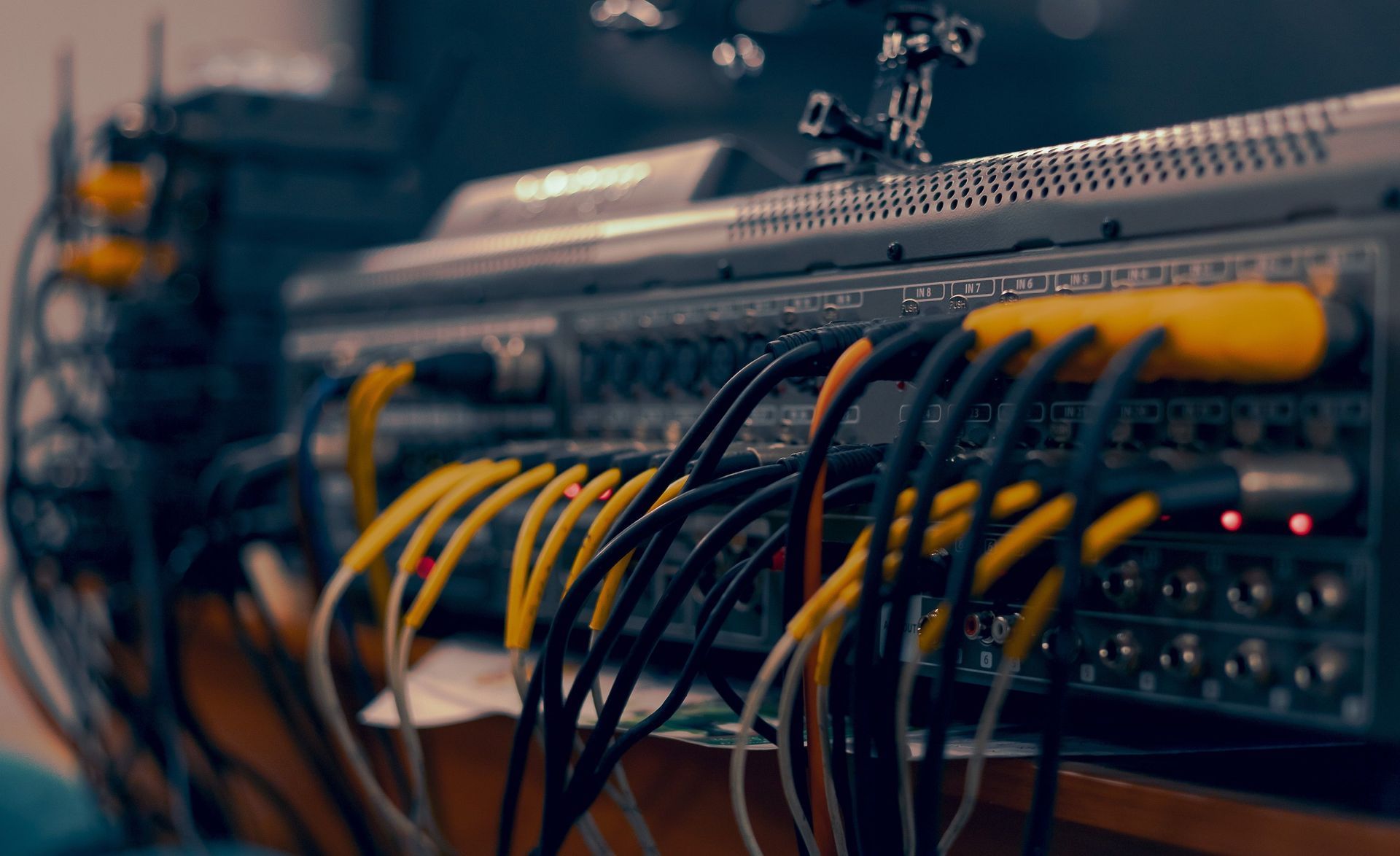
Wired systems connect cameras to a digital video recorder (DVR) through physical cabling. Because the connection doesn't depend on WiFi signal strength, wired systems tend to be the most reliable option, especially on larger properties where wireless coverage can get patchy at the edges. The tradeoff is installation: running cable to every camera location takes more planning and labor, particularly in an existing home or building.
Wireless / IP (NVR-Based) Systems
IP camera systems connect through a network video recorder (NVR) over WiFi or a local network, which makes installation faster and expansion easier — adding a camera is often as simple as mounting it and connecting it to the network. IP systems also tend to offer higher resolution options, up to 4K, since they aren't limited by older analog video standards. The main consideration is that image quality and reliability depend on solid WiFi coverage at every camera location.
Hybrid Systems
Hybrid systems combine wired and wireless cameras on a single system, which is useful when adding cameras to an existing wired setup, or when some locations have easy cable access and others don't. It's often the practical middle ground for a phased installation.
Common Camera Types and Where They Fit
Once you've settled on a system type, the next decision is which camera types to use, and where:
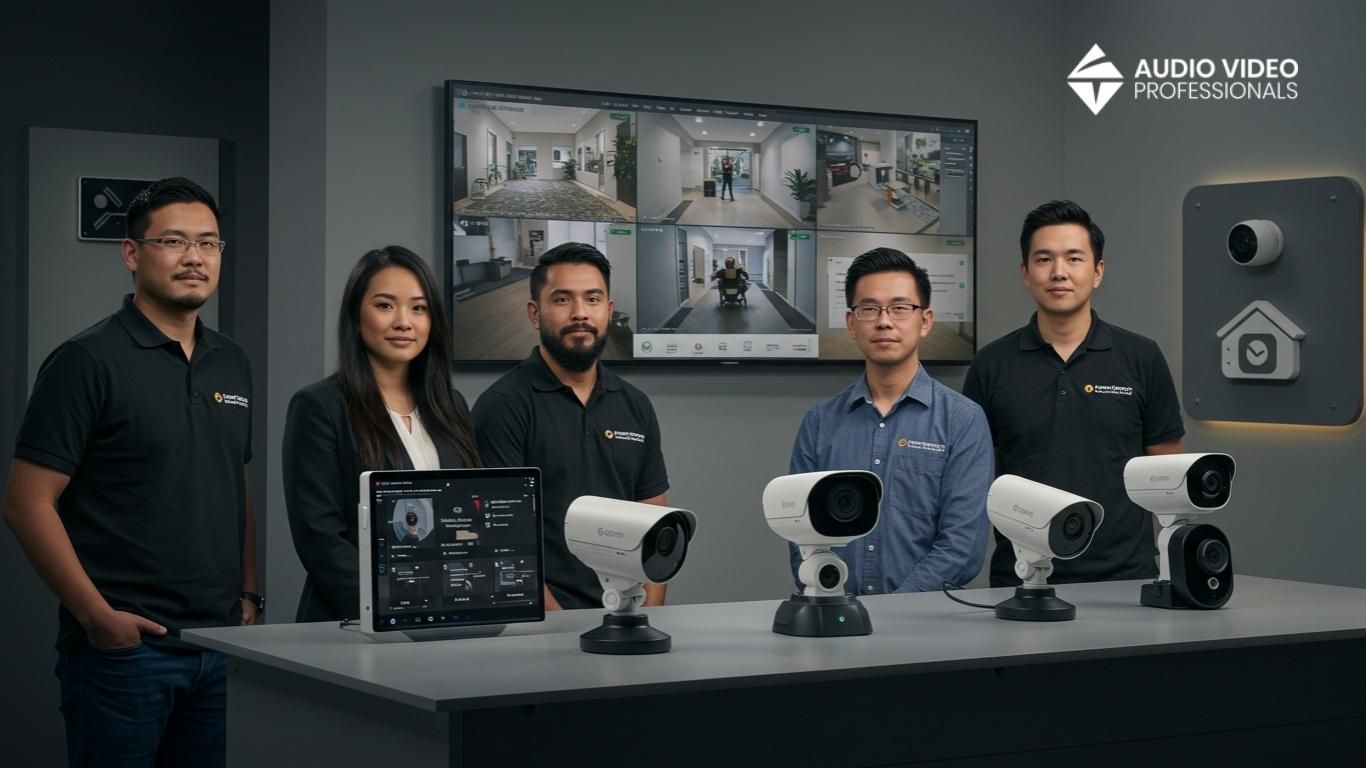
- Dome cameras: discreet, ceiling- or wall-mounted, common for indoor spaces and covered outdoor entries — the shape makes it hard to tell which way the lens is pointed.
- Bullet cameras: long, cylindrical, weather-resistant housing built for outdoor use and long-range viewing — highly visible, which adds a deterrent effect.
- Pan-tilt-zoom (PTZ) cameras: motorized cameras that can be aimed remotely to cover large areas like driveways, yards, or parking areas, useful when one camera needs to do the work of several fixed ones.
- Doorbell/entry cameras: focused coverage of the single most common point of entry, usually paired with two-way audio.
What “Future-Proof” Actually Means for a CCTV System
A future-proof system isn't necessarily the most expensive one — it's one that can grow without being replaced.
- Choose an NVR/IP-based system with open channel capacity, so cameras can be added later without swapping out the recorder.
- Plan for resolution and storage headroom. Higher-resolution cameras and longer footage retention both use more storage, so it's worth sizing the system for where your needs are headed, not just where they are today.
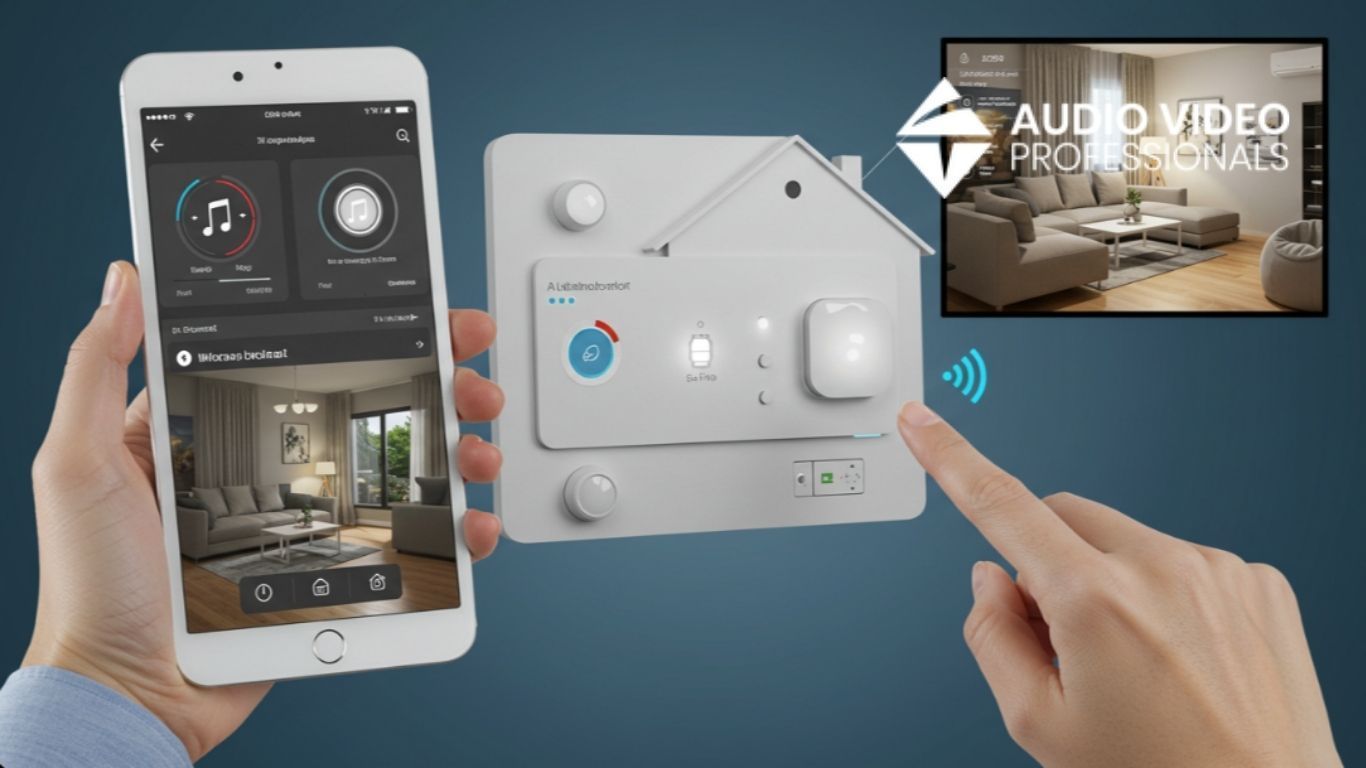
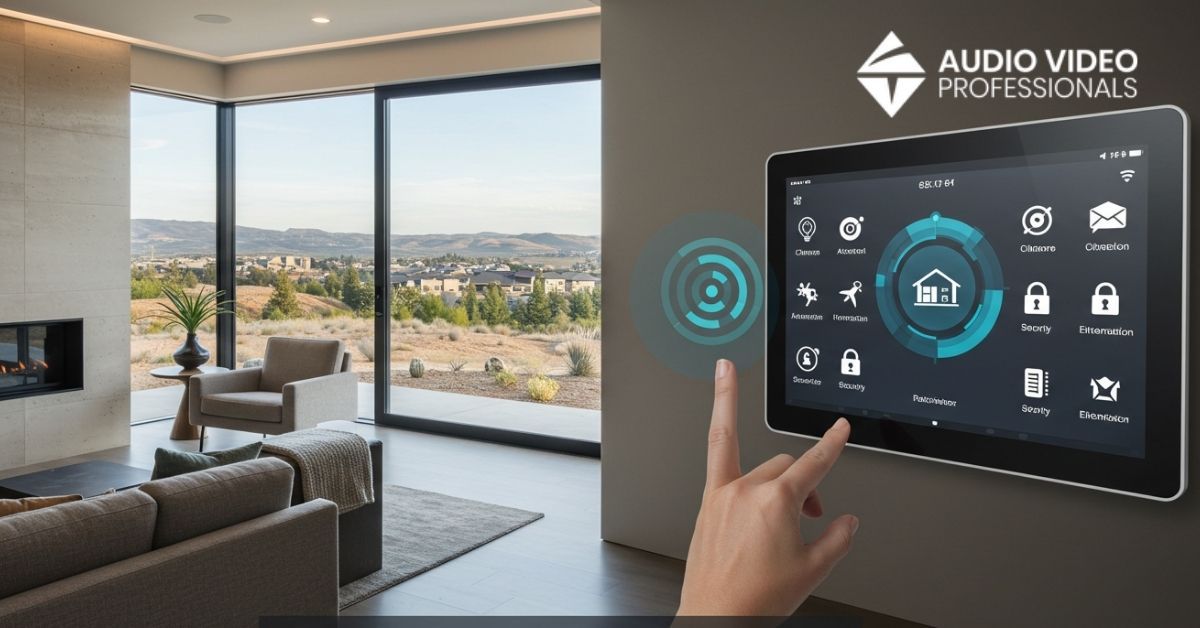
Look for integration with a broader home automation system, so cameras, locks, and lighting live in one app instead of three.
Matching System Type to Property Type
- Smaller homes and condos: a wireless system with two to four cameras at the main entry points usually covers the highest-risk areas without unnecessary complexity.
- Larger properties: a wired or hybrid system with PTZ coverage for the perimeter or driveway holds up better over long distances and multiple structures.
Businesses: commercial spaces often need more cameras, integrated access control, and centralized monitoring across a larger footprint, which is where Audio Video Professionals' Commercial Security Systems come in.
Frequently Asked Questions
What's the difference between an IP camera system and an analog CCTV system?
IP cameras send digital video over a network to an NVR, generally offering higher resolution and easier expansion. Analog cameras send video over coaxial cable to a DVR — a proven, reliable technology, but one that typically caps out at lower resolutions than IP systems.
Do I need internet access for a wired CCTV system to work?
No. A wired, DVR-based system records locally and doesn't require an internet connection to capture footage. Internet access is only needed if you want to view live or recorded footage remotely from a phone or computer.
How many cameras do I need for a typical home?
Most homes are well covered with cameras at the front door, back door, and any secondary entry points, plus a wider-angle camera on the driveway or garage — often four to six cameras total, though the right number depends on the property's layout. For more on how long that footage typically sticks around, see how long security cameras keep footage.
How much does a CCTV system cost?
Cost depends on the number of cameras, system type, and resolution. Contact Audio Video Professionals for a project-specific estimate.
Ready to Choose the Right CCTV System?
Not sure which CCTV system fits your property? Audio Video Professionals will assess your home or business and recommend a system built to grow with you. Call 208-546-9478 or request a consultation to get started. If you're planning a new install, it's also worth checking whether your setup needs a permit before installation day.